
Greenlight vs Acorns Early for kid and teen money management – who legally owns the account, who approves each trade, and how each one pays you for saving.
Let’s be real: no matter how much we want to build the foundation of our child’s money education with real money they can tangibly feel in their hands as it comes (by earning it) and it goes (by spending it), our banking and money system is just a hop away from being completely digital.
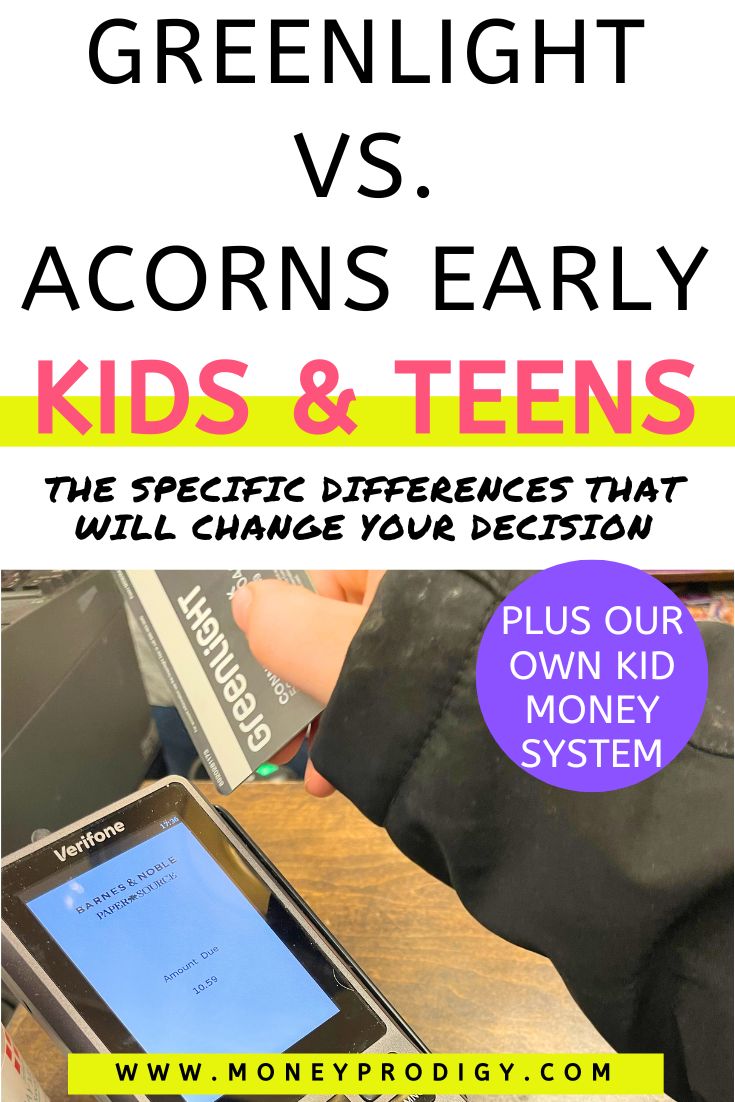
Which is where products like Greenlight and Acorns Early (formerly gohenry) come into play.
There are pros and cons to both, and we’ll touch on these as we go.
But as a cash-first, then app/prepaid-card household (we’re a hybrid system still – read all the way to the end to learn about our own system), I want to offer up a realistic roadmap and products to make sure your own Kid Money System allows your child to learn those critical money lessons you want them to.
Before I get into our own story of cash only to where our Kid Money System is today, I want to outline the biggest differences for you between Greenlight and Acorns Early and help you make the best decision for your household and allowance system for kids.
And yes, you should probably make your choice based on the differences because there are lots of similarities/overlap in their overall functionality.
Biggest Differences Between Greenlight vs. Acorns Early
Here’s the first big whopping difference: Greenlight is mobile-only access, while with Acorns Early, you can sign into your dashboard on your computer OR by mobile app.
If you do not want your child to own a smartphone now, or for the foreseeable future (that’s us – our child will not be getting a smartphone for eons), then this is worth pausing on. Greenlight still works on any app-enabled device, so an old tablet will do it. But there's no computer dashboard at all, and if a shared tablet isn't realistic in your house, Acorns Early's web login is the more flexible option.
Other big differences between the two (that might make a real difference to your decision)?
- Greenlight’s entry plan is cheaper ($5.99 vs. $8.00)
- Acorns Early’s 1% deposit match (up to $70/child/year*) is paid out into the Early Invest Custodial Account (so, exposed to market ups and downs), while Greenlight pays an ongoing 2%–6% Savings Reward (on savings balances up to $5,000/family) on savings that builds year over year
- Acorns Early’s investing account is a custodial account your child owns, while Greenlight’s investing account is a parent-approved brokerage
- Do you want your child picking stocks themselves, or just contributing to an investment account? Greenlight lets a kid pick individual stocks with your approval. Acorns Early puts money into an automated, diversified ETF portfolio in a custodial account.
*The match must stay invested four years. Withdraw sooner, and Acorns takes back a proportional share of the match – your own deposits are never touched. And if you drop down from the Gold plan? You lost the match entirely.
And just how does insurance work with these two apps?
Cash (on the card) is insured; invested money is invested. Neither of these platforms is a bank. Rather, they partner with a bank. The money on the card and in savings sits at an FDIC-insured partner bank, covered up to $250,000.
The money in the investing account isn't FDIC-insured at all – and it can't be. Investments carry SIPC coverage instead, which protects you if the brokerage itself goes under. It does not protect you if the market drops.
Head spinning over all that (mine, too!)?
Here’s an example math breakdown:
Let’s say you have $2,000 in an account through each of these apps, sitting for 4 years (how long you need to keep the Gold Plan on Acorns).
- Acorns Early: You earned a $20 match, paid one time, and any market returns (yay!) or losses (boo!) to that $20.
- Greenlight Max: You earned an estimated $240 ($60/year for 4 years).
Also, two of these differences are worth deep-diving into because they could make a real difference to the money your child walks away with over the years.
Savings Differences
Greenlight offers a true savings incentive, while Acorns Early offers a long-term investing incentive.
Here’s what I mean:
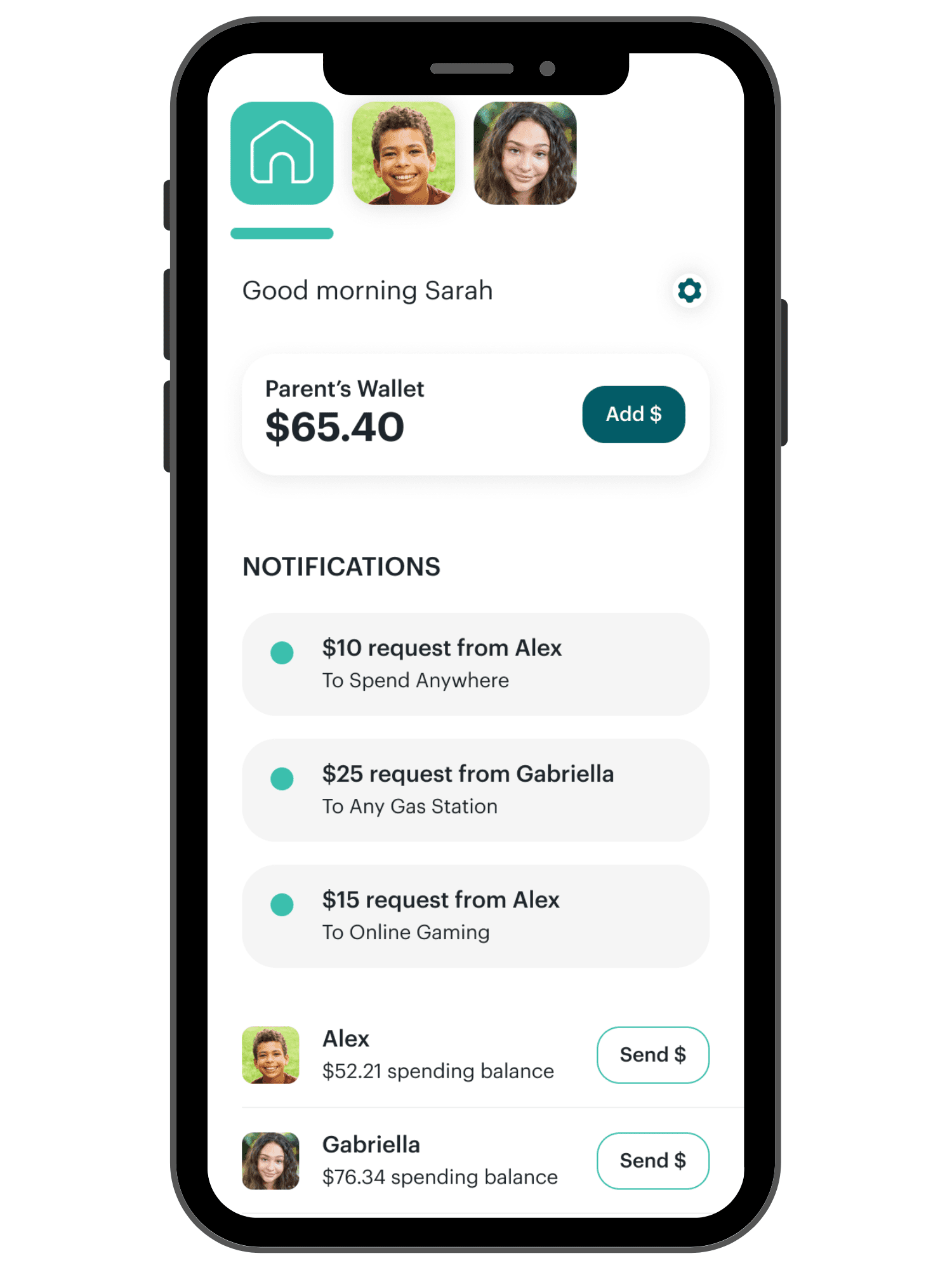
- What You Earn: A reward paid every single month the money sits there. It keeps paying year after year.
- The Rate: 2% on Core, 3% on Max, 5% on Infinity, and 6% on Family Shield.
- What It Pays On: The average daily balance in General Savings and Savings Goals – cash your kid is parking, not money that's invested.
- The Cap: $5,000 per family – not per kid. Three kids share the same ceiling.
- Strings Attached: None. No lockup and no clawback – pull the money out whenever you want and keep everything you've earned.
- Watch Out For: This is a reward Greenlight pays out of its own pocket, not bank interest – so it isn't a true APY and the rate can change at any time.
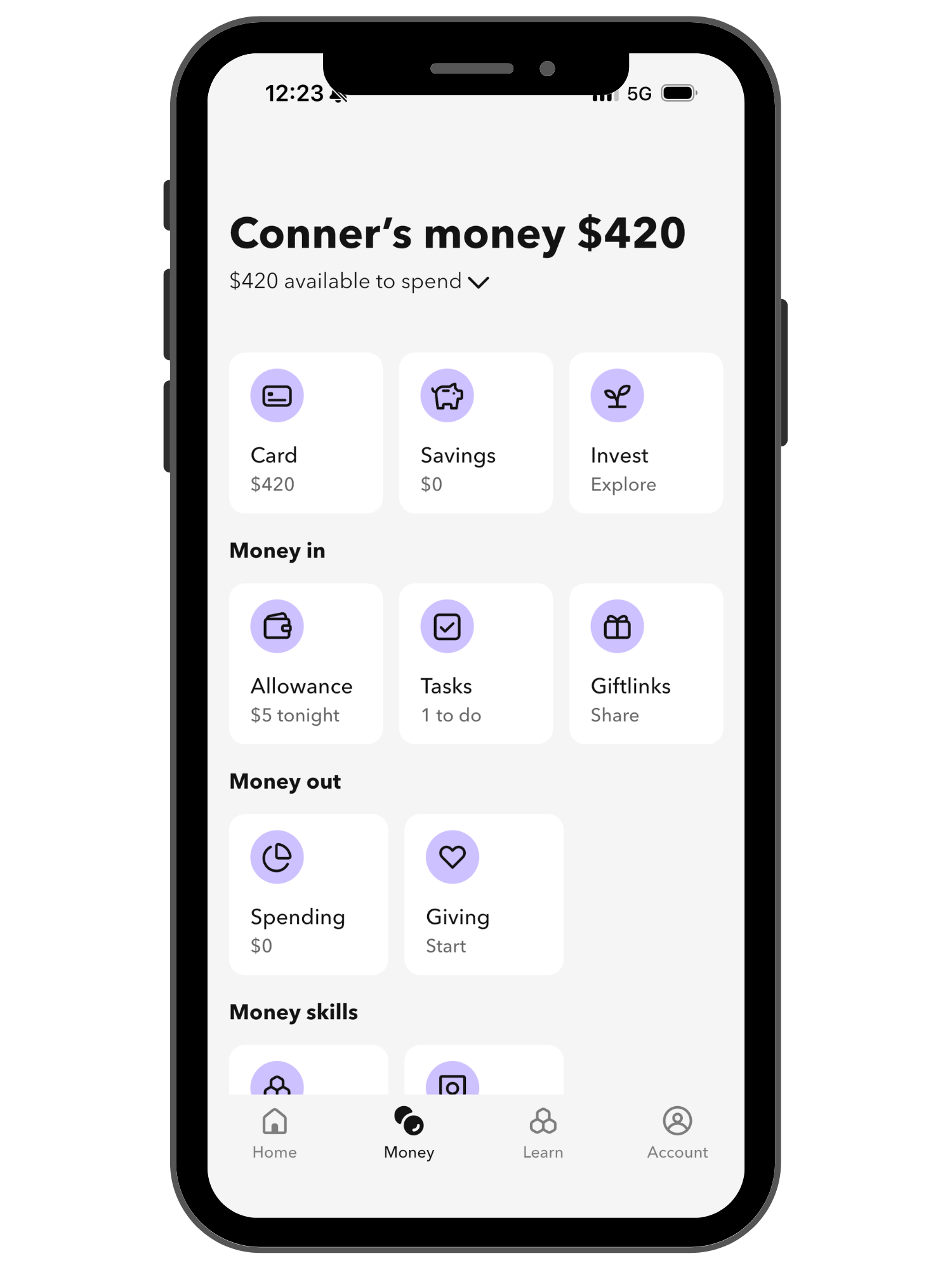
- What You Earn: A one-time match on each deposit you make. That dollar gets matched once – it doesn't pay again next year.
- The Rate: 1% of whatever you put in. Deposit $1,000 and Acorns adds $10.
- What It Pays On: Deposits into the Early Invest custodial account – money that gets invested, not cash sitting in a savings goal.
- The Cap: 1% of $7,000 per kid per year, so $70 is the most you can earn. Requires Acorns Gold at $12/mo.
- Strings Attached: The match has to stay invested four years. Withdraw sooner and it's clawed back pro-rata; drop off Gold and you forfeit all of it.
- Watch Out For: $70 a year is small next to what the investments themselves do – the match is a nudge, not the reason to open the account.
Hint: Also, you’ll break even on the Greenlight Max Savings Reward more easily than you would with the Acorns Early Gold Plan and 1% deposit in your child’s investment account. This is not the only reason to choose one of these plans over the other – there are loads of other benefits to consider – but it is worth mentioning.
Investing Differences
I hear often from parents who want to teach their kids and teens to invest. And there’s a real difference between these two apps in how investing works – worth talking about all on its own in a new section.
Greenlight lets a kid pick individual stocks with your approval. Acorns Early invests for the child by putting dedicated investing money into an automated, diversified ETF portfolio in a custodial account.
Hint: One big note to think about if your child might go to college: a custodial account is a student asset assessed at up to 20% on the FAFSA, versus an effective maximum of about 5.64% for the parent-owned Greenlight brokerage account (parent assets convert at 12% and top out in a 47% bracket – see the Department of Education's 2026-27 SAI Guide, pages 7 and 13).
- Whose Account It Is: Yours. It's an ordinary taxable brokerage account in the primary accountholder's name, and you're the legal owner of every share.
- Who Picks the Investments: Your kid researches real stocks and ETFs and requests a trade. Nothing executes until you approve it, so they practice making the case.
- What Happens at 18: Nothing automatic, ever. The account stays yours unless you deliberately gift or transfer the money.
- Getting Money Out: Wide open. It's your account, so you can sell any time and spend the proceeds on anything you want.
- Who Pays the Taxes: You do, at your rate, on your return. No kiddie tax and no separate filing to figure out.
- Effect on Financial Aid: Counts as a parent asset on the FAFSA, assessed at 5.64% – the gentler of the two treatments.
- Whose Account It Is: Your kid's. It's a UGMA/UTMA custodial account – they're the legal owner and you're only the custodian managing it for them.
- Who Picks the Investments: You do, and it goes into a diversified expert-built portfolio. Your kid watches it grow rather than choosing what to buy.
- What Happens at 18: Full control transfers at your state's age of transfer, usually 18 to 21. After that the money is unrestricted and you have no vote.
- Getting Money Out: The gift is irrevocable. Withdrawals have to directly benefit the child – camp, a laptop, braces – not groceries or things you already owe them.
- Who Pays the Taxes: Your child does, under kiddie-tax rules: roughly the first $1,350 of investment income tax-free, the next tier at their rate, and anything above about $2,700 at your marginal rate.
- Effect on Financial Aid: Counts as a student asset on the FAFSA, assessed at up to 20% – close to four times the hit a parent-owned account takes.
Greenlight vs. Acorns Early: Full Feature Comparison
Now that you understand their differences, let's take a look at both of these apps side by side so that you can see their full functionality.
- Age Range: 8-18 years (U.S. only)
- Cost: Core $5.99/mo, Max $10.98/mo, Infinity $15.98/mo, Family Shield $19.98/mo – each covers up to 5 kids
- Parent Spending Controls: You can lock and unlock all spending, set up store-level spending limits, and set up category spending limits.
- Saving Incentives: Savings earn 2% APY on Core, 3% on Max, 5% on Infinity, and 6% on Family Shield, on an average daily balance up to $5,000 per family. Plus round-ups, and you can pay your kid your own interest rate on what they save.
- Investing Capabilities: Kids research and buy real stocks and ETFs right in the app, with a parent approving every trade. Guidance only on Core; full investing from Max up.
- Charitable Giving: Parent-approved donations, starting at $10, using CharityNavigator.org
- In-App Learning: Toggle "Learn Mode" on, and they'll be guided on how to interpret financial data when investing
- Gifting: Friends or family can send a Greenlight Gift money to a child's account
- Cash Back on Purchases: 1% cash back on card purchases, on the Max plan and above.
- Teen Paycheck Direct Deposit: Teens can direct deposit their paychecks to their Greenlight account
- Age Range: 6-18 years (U.S.)
- Cost: Early Lite $8/mo – app plus up to 4 debit cards. Acorns Gold $12/mo adds the kids' investing account plus parent tools
- Parent Spending Controls: Real-time notifications on every purchase, spending limits, spend category blocking, and instant card block if it's lost.
- Saving Incentives: Savings goals with a target amount and date, optional weekly autosave, interest you set and pay yourself from your balance, and the option to lock a goal so they can't dip into it.
- Investing Capabilities: Custodial UGMA/UTMA account with a 1% match on the first $7,000 you deposit each year, up to $70. Gold plan only – not included with Lite.
- Charitable Giving: Optional in-app charitable donations.
- In-App Learning: 100+ Money Missions – lessons, quizzes, and videos.
- Gifting: Giftlinks let relatives and friends send money straight to the account, plus Relative accounts.
- Cash Back on Purchases: Not available.
- Teen Paycheck Direct Deposit: Available at age 14 and up.
How to Decide Between Greenlight and Acorns Early (formerly gohenry)
You've read a bunch about these two apps. Let me give you a little bit more insight and help with making a decision.
Deciding between these two apps really comes down to three things:
- Whether you need your child to access their dashboard on a computer (Acorns Early), tablet (either), or on a mobile app (either)
- Whether you want your child to pick their own stocks to invest in (Greenlight), or just to set aside money that is invested on their behalf in an ETF fund (Acorns Early)
- Whether you want an ongoing reward on savings (Greenlight), or a one-time match on money invested (Acorns Early)
Our Journey from Cash-Only to a Hybrid Kid Money System
I’ll never forget the day that my four-year-old in the backseat car seat asked me if I was going to use my magic plastic card to pay at the Starbucks drive-through.
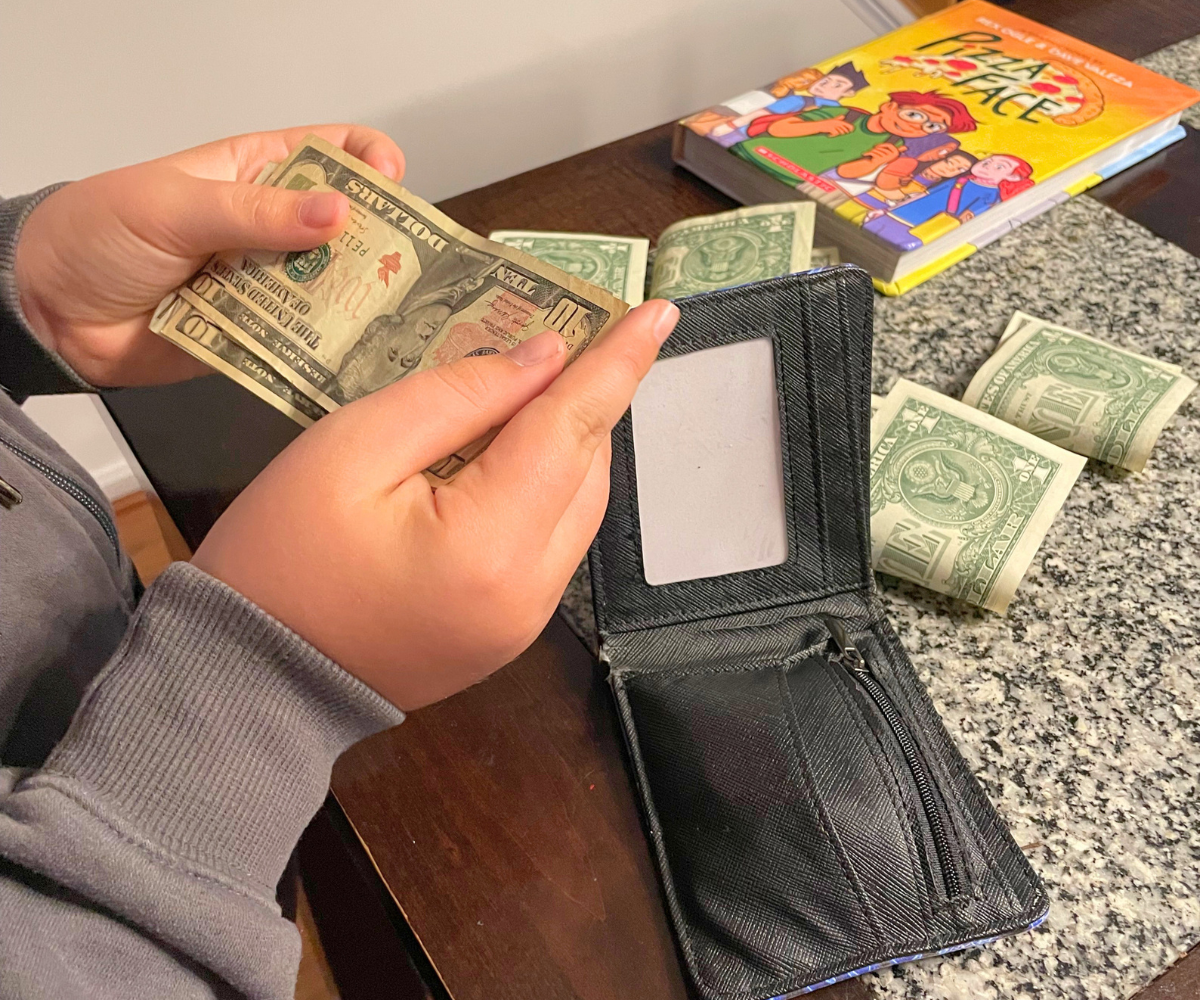
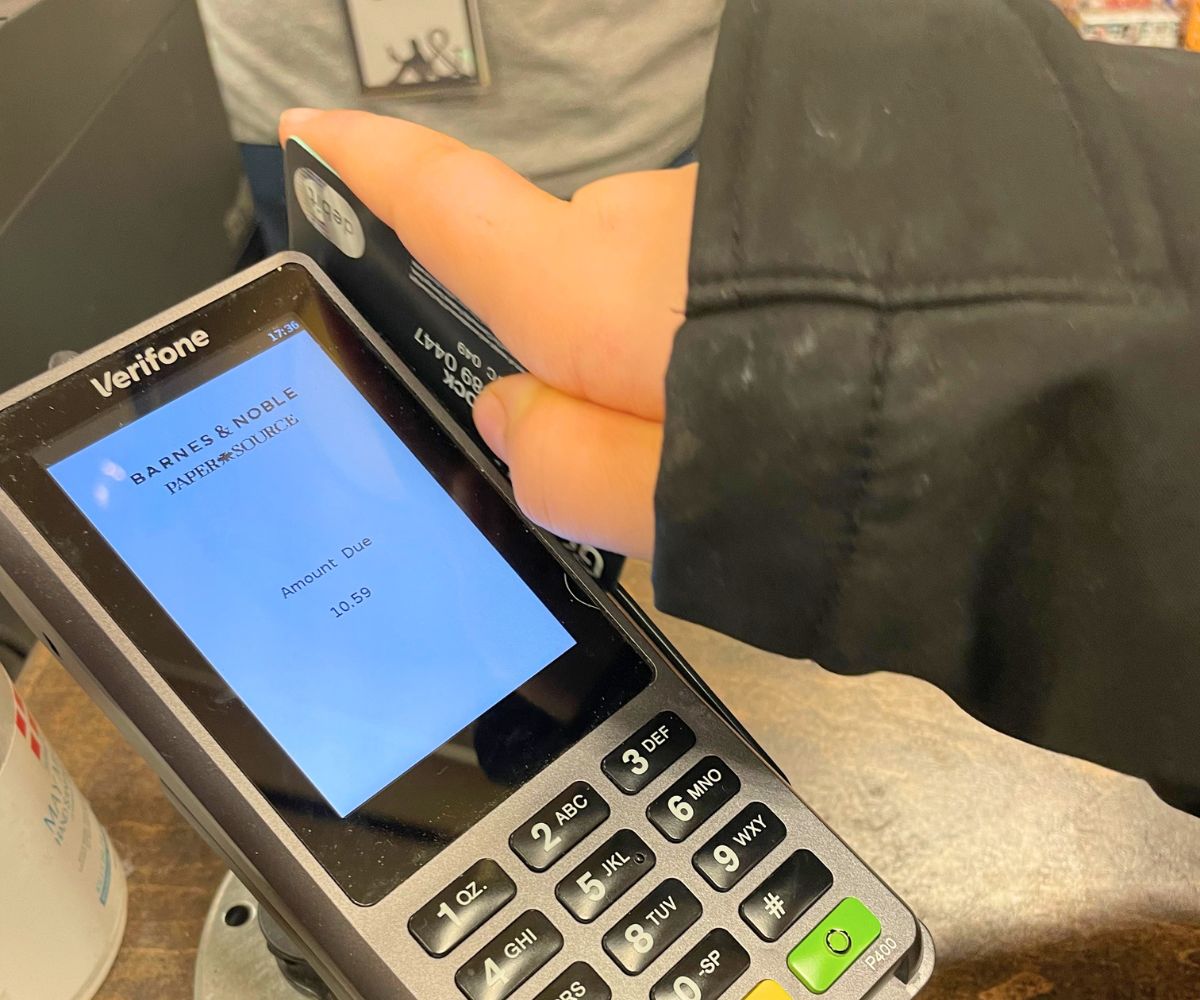
It ended the debate in my head as to whether we would use a cash or a cashless allowance/chore system (what I call a Kid Money System) at least for the younger years, when I knew we needed to establish money as a physical thing to be handled, earned, used, and to watch both grow and dwindle.
But let’s be real: our entire money and banking system is a hop away from going digital.
I'm not here to debate the pros and cons of that.
I'm here to help you navigate teaching your child how to manage their money – and learning all those critical money lessons they need to before they hit young adult years – despite what the money system looks like.
Over the years, my son has had experience with gift cards he’s received for birthdays/holidays, the Starbucks rewards card we allow him to reload every so often (for the occasional non-caffeinated treat and that free birthday reward he gets and loves so dearly), and yes, a swipe of his Greenlight card.
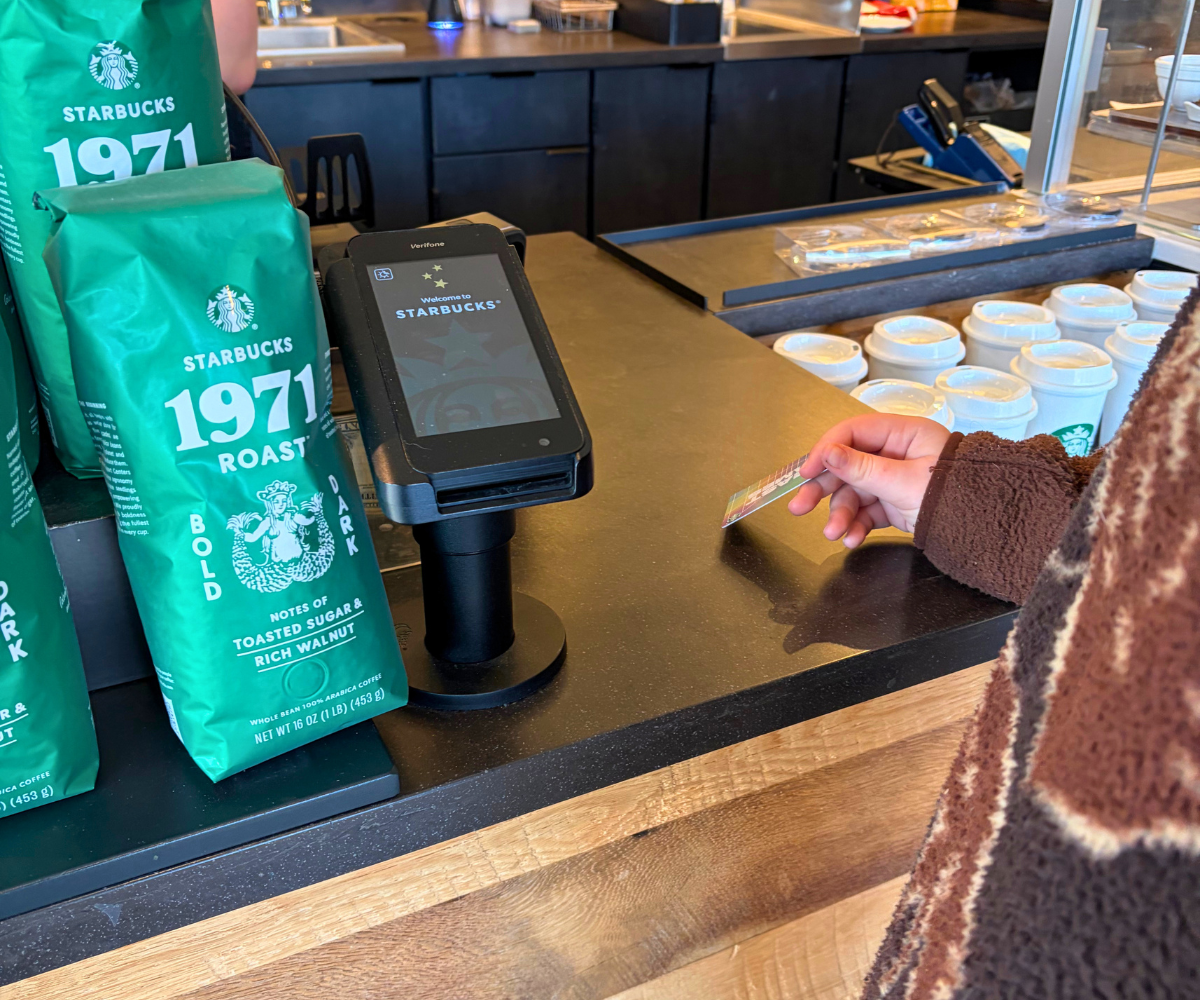
As our 10-year-old son continues his money journey, I believe our Kid Money System will morph more and more onto the app + prepaid debit card platform.

Amanda L. Grossman is a writer and Certified Financial Education Instructor (CFEI®), a 2017 Plutus Foundation Grant Recipient, and founder of Money Prodigy. Her money work has been featured on Experian, GoBankingRates, PT Money, CA.gov, Rockstar Finance, the Houston Chronicle, and Colonial Life.
Amanda is the founder and CEO of Frugal Confessions, LLC. Read more here or on LinkedIn.